
You know that feeling when you tell yourself “I don’t need that” for months, maybe years — and then one night you suddenly click “buy now”?
That was me with storage.
For a long time, I convinced myself that cloud storage was enough. Google Photos, iCloud — it’ll be fine. Then I started traveling more. My girlfriend and I both take photos, lots of them, and every trip came back with a thousand more.
And suddenly everything was everywhere.
No clear structure. No real backup strategy. Just a growing cloud bill, local copies scattered across our phones, and the hope that nothing would fail.
This is how I fixed it — and why I ended up choosing a DAS (Direct Attached Storage) instead of the NAS (Network Attached Storage) everyone seems to recommend.
The Problem: Photos Everywhere, Backups Nowhere#
Photos lived on phones, desktops, old external drives. Edited versions here, originals there. Some files existed in multiple copies, others in exactly one. The worst part? The old digitized travel photos — hours of work — were stored on a single aging hard drive.
That’s not a backup. That’s a risk.
I needed a single place for everything, plus real backups.
Why Not a NAS?#
If you read forums, the answer is always: “Get a NAS.” And sure, NAS devices are powerful. Remote access, apps, services, media servers.
But I didn’t need a server. I needed storage.
A DAS is simple:
- direct USB-C connection
- no network configuration
- no always-on system
- lower cost and power usage
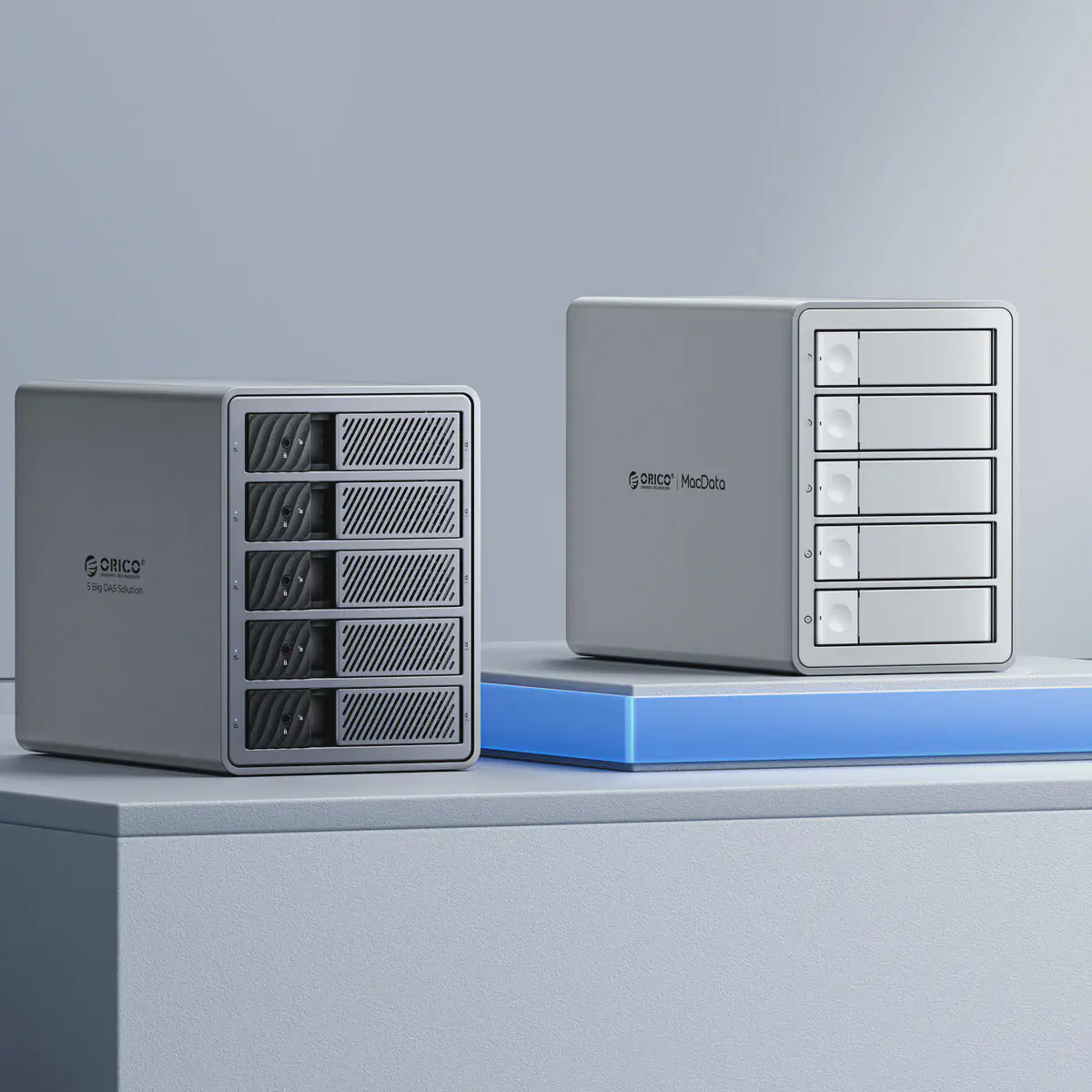
The TerraMaster D8 Hybrid gave me eight drive slots — four 3.5-inch bays for hard drives and four M.2 slots for NVMe SSDs — on a single 10 Gbps USB-C connection, without the complexity or price of a full NAS. It connects directly to my computer and just works.
The trade-off is that the data is only reachable from the computer it’s plugged into, and anything automated, like backups, only runs while that computer is on. Remote access can come later. For now, simplicity wins.
My 3-2-1 Backup Setup#
Once I decided to centralize storage, the next step was more important than the hardware itself: backup strategy.
That’s where the 3-2-1 rule comes in:
- 3 copies of your data
- 2 different types of storage
- 1 copy off-site
Primary storage#
This is where everything lives.
The D8 Hybrid doesn’t do RAID 5 on its own, so my computer runs the four hard drives as a software RAID 5 array, which means I can lose any one drive without losing data. RAID is not a backup, but it is good protection against a disk dying unexpectedly.
Four 4 TB drives in RAID 5 give me about 12 TB of usable space, plenty for our photos for now. All four hard drive bays are full, so growing means moving to bigger drives, and the M.2 slots are still free for fast NVMe storage. Either way, I don’t have to rethink the whole setup every time storage grows.
Over the 10 Gbps USB-C link, performance is more than good enough. I can browse, edit, and manage photos directly from the DAS without noticeable slowdown. This is my source of truth.
Secondary backup#
The second copy lives on a completely separate external hard drive.
Once a week, the entire DAS is backed up to this drive automatically. Different hardware. Different connection. Stored in a different place in the apartment.
This protects me against accidental deletions, file corruption, RAID failures and the typical “oops, I messed something up last week”. If something goes wrong, I can always roll back.
Off-site backup#
Not everything goes to the cloud. Uploading every random RAW file would be expensive and unnecessary. But the important things do:
- Personal documents.
- Photos I don’t want to lose.
That means only the important files get the full 3-2-1 treatment; everything else has two copies, both at home. For bulk RAW files, that’s a trade-off I’m comfortable with.
Was It Worth It?#
The TerraMaster D8 Hybrid wasn’t cheap, but compared to the value of photos I can’t replace, it was absolutely worth it.
If you’re telling yourself “I don’t need that”, ask yourself one question:
What happens if your current storage dies tomorrow?
If that makes you uncomfortable, you already have your answer.
I know — because I was you not long ago.